Digital Family Calendar vs Whiteboard: What to Check
Sync support, profiles, glare, mounting and subscriptions - the specs that decide whether a family calendar gets used daily or quietly ignored.
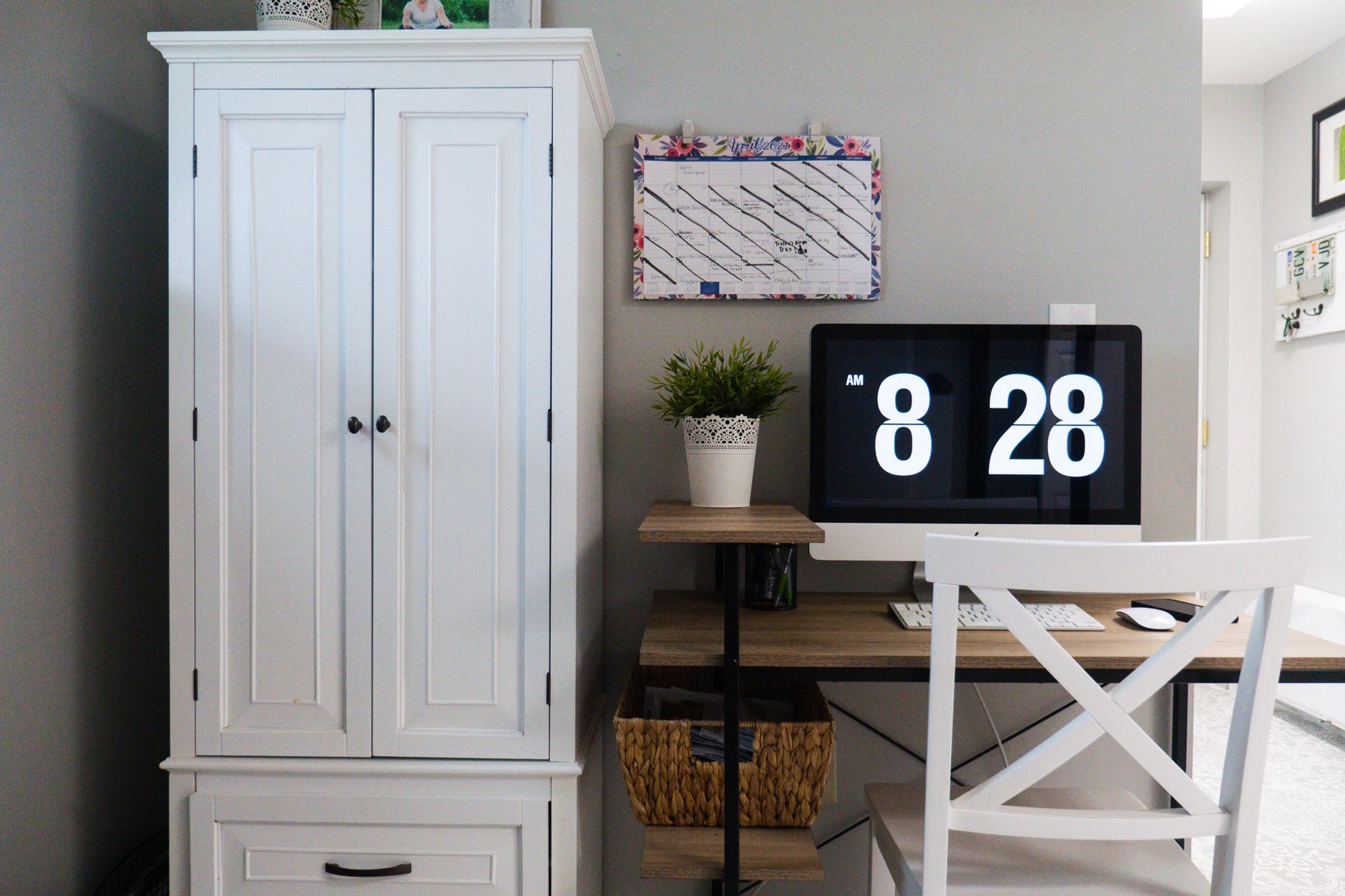
Photo by Jessica Lewis 🦋 thepaintedsquare on Pexels
The dry-erase calendar on our kitchen wall told the truth for about eleven days each month. After that it became archaeology: a swim lesson that finished in March, a dentist appointment in handwriting nobody could identify, and a grocery list with "eggs?" written three separate times. Whiteboards do not fail because they are low-tech. They fail because updating them requires the one person who owns the marker to be standing in the kitchen at the exact moment the information arrives.
A digital family calendar is meant to solve that. Whether it actually does depends almost entirely on a handful of specs that manufacturers bury below the fold. Here is what to check before you commit wall space to a screen.
First, be honest about why the whiteboard failed
This matters, because a digital display fixes some failure modes and none of the others.
If your whiteboard died because nobody could update it remotely - the appointment was booked on a phone in a waiting room, three miles from the marker - a synced screen is a genuine fix. If it died because your household simply does not look at the wall on the way out the door, a screen in the same spot will be ignored just as thoroughly, only more expensively.
And there is a real case for keeping the whiteboard. It never needs charging, never asks you to log in again, never shows a spinning loader when you are already late, and a four-year-old can draw a dinosaur on it. Plenty of families end up running both: the screen holds the schedule, the whiteboard holds the chaos.
Sync support: the single spec that decides everything
If a wall calendar cannot pull from the calendars your family already lives in, it will drift out of date within a fortnight and you will stop trusting it. Trust is the whole game. A calendar you have to double-check is worse than no calendar.
Check specifically:
- Which providers. Google Calendar and Microsoft Outlook are the common two. Apple iCloud calendars are more variable - some displays support them natively, others only via a shared iCal link, which can be read-only and slower to refresh.
- How many accounts. Two working parents may have a personal Google account, a work Outlook account and a school-issued account each. If the display caps you at three connected accounts total, someone's schedule is getting left out.
- Which direction it syncs. Read-only means the wall shows you what is on your phone. Two-way means an event created on the wall lands in everyone's pocket. Two-way is considerably more useful and not universal.
- How often it refreshes. A calendar that polls every fifteen minutes is fine. One that refreshes hourly will show you a canceled appointment for long enough to matter.
- Shared school and sports feeds. Many schools and clubs publish an iCal subscription URL. If the display accepts an arbitrary iCal link, term dates and fixture lists arrive automatically, which is a quietly enormous time saver.
The family calendar displays that sync with Google and Outlook in our lineup are built around exactly this - shared scheduling plus meal planning, chores and lists on the same screen - which is the category worth looking at if syncing is your main reason for switching.
Profiles: how many people can the screen actually hold?
Color-coded profiles are what turn a shared calendar from a wall of text into something you can read from across the room. The number matters more than you would think.
Count the humans who need a color, then add the ones you forgot: a grandparent who does two school pickups a week, a nanny or childminder, a teenager with their own job schedule, a pet with vet appointments, and a household column for bin day and the boiler service. A four-profile limit sounds generous until you list it out.
Also look at how profiles behave in day view versus week view. Some displays cheerfully render six people across a week grid and become unreadable. Others let you filter to one or two people, or show a "today" strip up top with everything else collapsed. If the manufacturer only ever publishes screenshots of a tidy family of four with two events each, assume a busy week looks worse.
Chores, lists and meal planning
Most displays bundle these. Treat them as a bonus rather than a deciding factor, because they are the features households abandon first. The exception is the shopping list, which earns its keep if - and only if - it syncs to a phone app. A grocery list stranded on a screen in your kitchen is a list you cannot read in the shop.
The screen itself: glare, brightness and what it does at night
This is the spec sheet section people skim and then regret skimming.
Finish. A glossy panel opposite a window is a mirror for a good chunk of the day. Matte or anti-glare coatings cost some contrast and give back readability. If your intended wall faces glass, prioritize matte hard.
Brightness and auto-dimming. Kitchens are bright rooms. A dim panel washes out completely at 2pm. Equally, a screen that stays at full brightness in an open-plan space at 11pm is a lighthouse. Look for an ambient light sensor, or at minimum a scheduled night mode.
Viewing angle. You will read this thing while walking past it, not while sitting square in front of it. IPS-type panels hold color off-axis; cheaper TN-style panels shift badly and your color-coded profiles stop being distinguishable at exactly the angle you actually use.
Touch or not. Touch is lovely for ticking off chores and terrible for fingerprints in a kitchen. If it is touch, check whether the glass is easy to wipe and whether there is a cleaning-mode lock so you do not reschedule dinner while degreasing.
Idle behavior. Does it sleep to black, show a clock, or cycle family photos? A screen that goes dark gets forgotten. A screen showing something pleasant gets looked at, and a looked-at calendar is a used calendar.
Mounting and power: the boring part that decides where it lives
Field notes from anyone who has installed one: the best calendar in the world is useless on the wrong wall.
- VESA or proprietary? A standard VESA pattern (usually 100x100mm) means you can use any low-profile bracket. A proprietary plate means you use theirs, at their depth, at their height.
- Portrait, landscape, or both? Portrait suits a narrow strip of wall by a door. Landscape suits above a counter. Some displays rotate; some do not, and the software may not follow if the hardware does.
- Where does the cable go? Almost all of these are mains-powered, not battery. If there is no socket near your chosen wall, you are looking at a surface-mount cable channel, an electrician, or a different wall. Decide this before you buy, not after.
- Fridge mounting. Smaller units with magnetic backs skip the drilling entirely, which is a genuinely good answer for renters - just check the stated weight rating against your fridge door, and whether the power cable can reach without crossing a walkway.
- Wi-Fi at that spot. Kitchens are full of metal and appliances. Check your signal on a phone standing where the screen will hang. Most of these are Wi-Fi only, with no Ethernet fallback.
Subscriptions: ask before, not after
The pricing model in this category varies more than in almost any other piece of home tech, and it is the thing most likely to sour the purchase six months in.
Three broad patterns exist. Some displays are a one-off purchase with all features included. Some are hardware plus an optional subscription that unlocks extras - more profiles, longer history, premium meal planning. And some require an active subscription for the core sync to work at all, which means the screen becomes a very flat clock if you stop paying.
Before you buy, get clear answers to these:
- Does calendar sync itself require a paid plan, or only the extras?
- Is there a per-household fee or a per-user fee? Per-user gets expensive with teenagers.
- Is a trial included, and does it auto-renew?
- What happens to the device if the company shuts the service down? Any local or offline mode at all?
- Is the companion phone app free for every family member, or only the account owner?
None of these make a subscription model wrong. Ongoing sync infrastructure costs real money to run. You just want to know which model you are signing up for while you still have the option to walk away.
A quick gut check before you buy
Answer these three honestly. Do at least two people in the house already keep a digital calendar they actually maintain? Is there a wall that everyone genuinely passes on the way out, with power within reach? Are you willing to spend one evening doing setup properly - accounts connected, colors assigned, recurring events entered?
Three yeses and a digital calendar will probably stick. Two yeses and it is a coin flip. One and you should buy better whiteboard markers and a wall-mounted pen holder, which will cost you almost nothing and solve about sixty percent of the problem.
If you have decided the sync is worth it, it is worth browsing the shared wall and fridge calendars we keep an eye on with this checklist open beside you - profiles, glare, mount, subscription.
No rush. Take the measurements first, check your Wi-Fi in the spot, and browse when you know what you are looking for.